
Prior authorization is the slow, denial-prone, burnout-inducing tax on patient care. Here's a workflow that tracks every auth so none slip, the documentation that gets approvals first time, and when to hand it off.
Prior authorization is the part of the job almost everyone in a practice hates. It delays care patients need, it eats hours of staff time on hold with payers, and it produces denials that feel arbitrary. Done badly, it burns out your team and quietly costs you revenue when authorized services slip through the cracks. Done well, it becomes a tracked, predictable workflow that protects both your patients and your cash flow.
This is a practical playbook for cutting prior authorization delays, denials, and burnout: a workflow that makes sure no auth slips, the documentation that earns approvals the first time, the payer patterns worth learning, and the point at which it makes sense to hand prior auth off entirely.
Why prior auth is so painful
Prior authorization is hard for structural reasons, not because your team is doing it wrong. Each payer has its own list of services that require authorization, its own forms, its own portals, and its own clinical criteria. Requirements change without much warning. Approvals come with expiration dates and visit or unit limits that are easy to lose track of. And the work is sporadic enough that it competes with everything else the front desk and clinical staff are doing.
The result is a process that is high-stakes (a missing auth can mean a hard denial with no appeal) but chronically under-resourced. The fix is not heroics. It is a system.
Build a workflow so no authorization slips
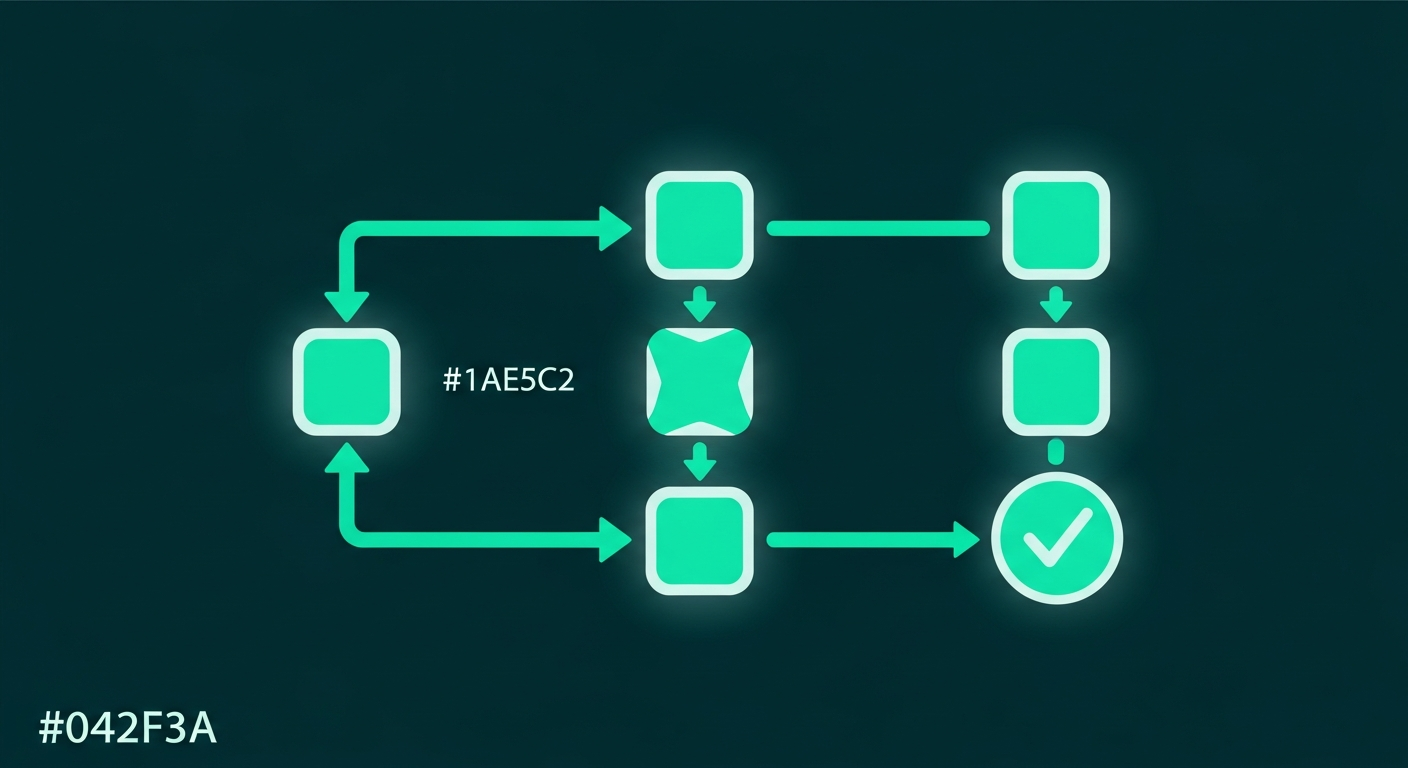
The single biggest source of prior-auth revenue loss is not denied auths, it is forgotten ones: services rendered without checking, auths that expired before the visit, or approvals that ran out of units mid-treatment. A simple tracked workflow eliminates most of that.
- 1.Flag at scheduling. The moment a service that may require authorization is booked, flag it. Catching the need at scheduling is what gives you the lead time to get approval before the visit.
- 2.Verify the requirement. Confirm whether this specific payer requires auth for this specific service before assuming either way. Requirements vary widely between payers and plans.
- 3.Submit promptly with complete documentation. The faster a complete request goes in, the more buffer you have before the date of service.
- 4.Track every pending auth in one place. Maintain a single list of outstanding requests with submission date, payer, follow-up date, and status, so nothing sits in limbo.
- 5.Record approvals with their limits. Capture the auth number, the effective and expiration dates, and the approved units or visits, and store it where billing can see it.
- 6.Watch expirations and unit counts. For ongoing treatment, track remaining units and renew before they run out, not after a denial tells you they did.
Documentation that gets approved the first time
A large share of prior-auth denials and delays come down to incomplete clinical documentation. Payers are looking for evidence that the service meets their medical-necessity criteria, and a request that does not connect the dots gets denied or kicked back for more information, which restarts the clock.
- •Lead with medical necessity, tied to the payer's published criteria where you can find them.
- •Include the relevant clinical history: the diagnosis, prior treatments tried, and why this service is the appropriate next step.
- •Attach supporting documentation, such as test results, imaging, or notes, that backs up the request.
- •Use the correct codes for the exact service being requested, matching what will ultimately be billed.
- •Answer the payer's specific questions directly rather than submitting generic notes and hoping they suffice.
A complete, criteria-aligned first submission is the single best way to reduce both denials and the back-and-forth that creates delay. The extra few minutes up front saves hours of rework and gets patients their care sooner.
Learn the payer-specific patterns
After enough volume, prior auth stops feeling random and starts showing patterns. Each payer has its own tendencies: the services it reliably requires auth for, the documentation it always asks for, the criteria it applies, and how long it typically takes. Capturing those patterns turns guesswork into a checklist.
Build a simple per-payer reference: which services need auth, the portal or fax to use, the documentation that payer expects, and the typical turnaround. Over time this institutional memory is what separates a practice that gets clean first-pass approvals from one that keeps getting kicked back. It is the same principle that keeps denial rates low in medical billing: knowing each payer's rules cold and meeting them the first time.
Reduce the burnout, not just the denials
Prior auth burnout is real, and it is partly a workflow problem. When auth work is squeezed between phone calls and walk-ins, it is stressful and error-prone. A few structural changes ease the load:
- •Batch the work. Dedicate focused blocks to auth submissions and follow-ups instead of constant interruption.
- •Give it a clear owner. Auth work that is everyone's job is no one's job. Assign it explicitly.
- •Use payer portals over phone where possible. Portal submission and status checking is faster and less draining than time on hold.
- •Separate it from the front desk crunch. Front-desk staff juggling auths between live patients is a recipe for both burnout and slips.
Because so much of prior auth starts at the front of the visit, with scheduling, eligibility, and the initial flag, a strong virtual front desk workflow takes a real load off clinical staff and catches auth needs early, before they become last-minute scrambles.
When to hand prior authorization off
At some point, the volume and complexity of prior auth outgrows what an already-stretched team can handle well. The signs are familiar: auths slipping through and causing denials, staff spending hours on hold, and clinical work suffering because someone is buried in payer portals.
Handing prior auth to a dedicated team that does it constantly across many payers tends to produce faster approvals, fewer slips, and a happier staff. It is well suited to outsourcing for the same reason credentialing is: it rewards specialization and constant repetition. Offloading it frees your clinical and front-desk teams to focus on patients while the auth pipeline keeps moving in the background.
The bottom line
Prior authorization will never be fun, but it does not have to be chaos. Flag the need at scheduling, track every pending and active auth in one place, document to the payer's criteria the first time, learn each payer's patterns, and protect the work from the front-desk crunch. Do that and you cut delays, denials, and the burnout that comes with them, all at once.
If prior authorization is eating your team alive, Carevonix can own the workflow end to end so your staff can get back to patient care.